AR Product Configurator
Let customers place the exact product they configured in their own space, straight from their phone’s browser. No app to install.

How does an AR product configurator work?
Three steps on the customer’s side, using the configurator and the 3D models you already have.
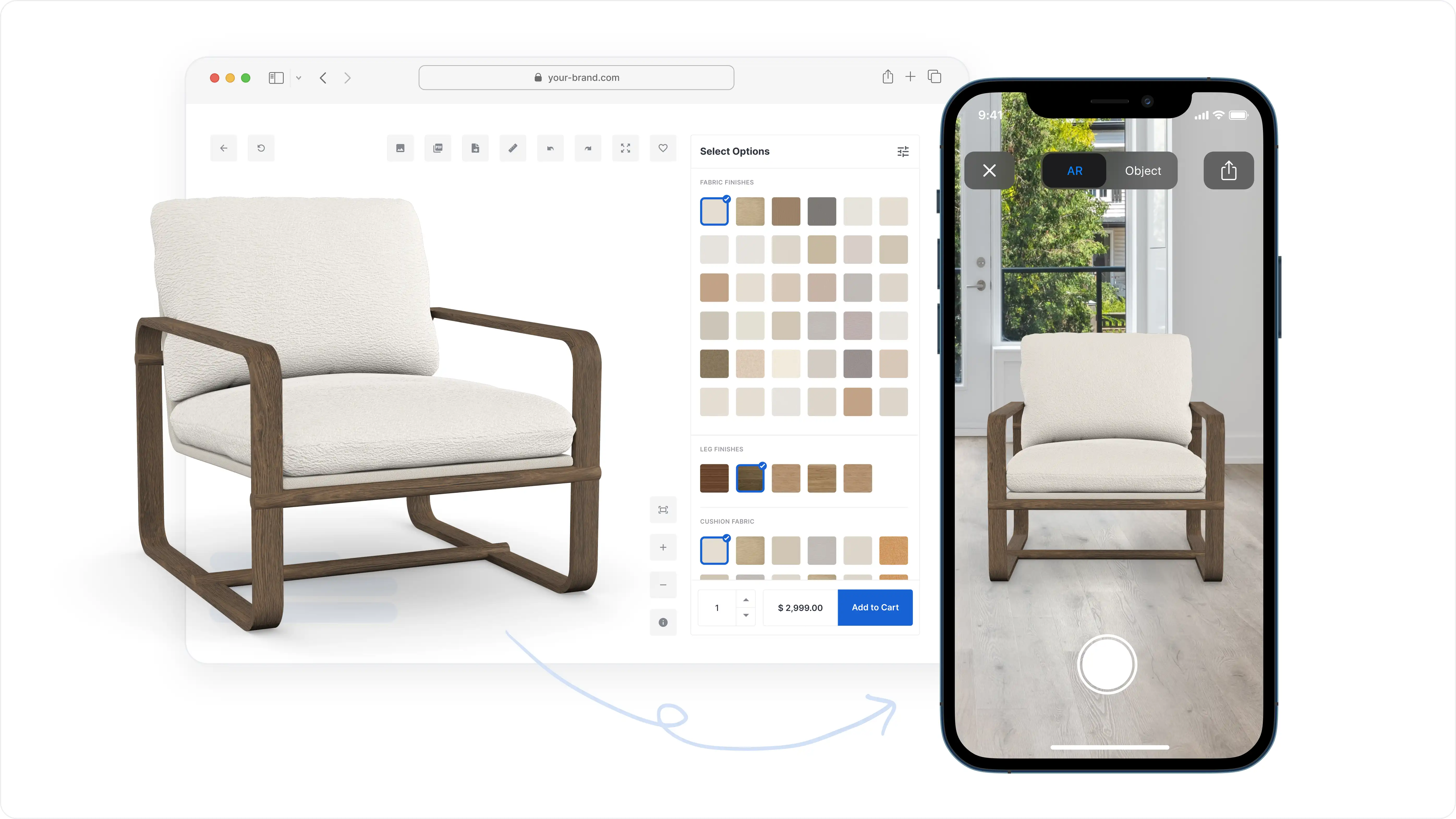
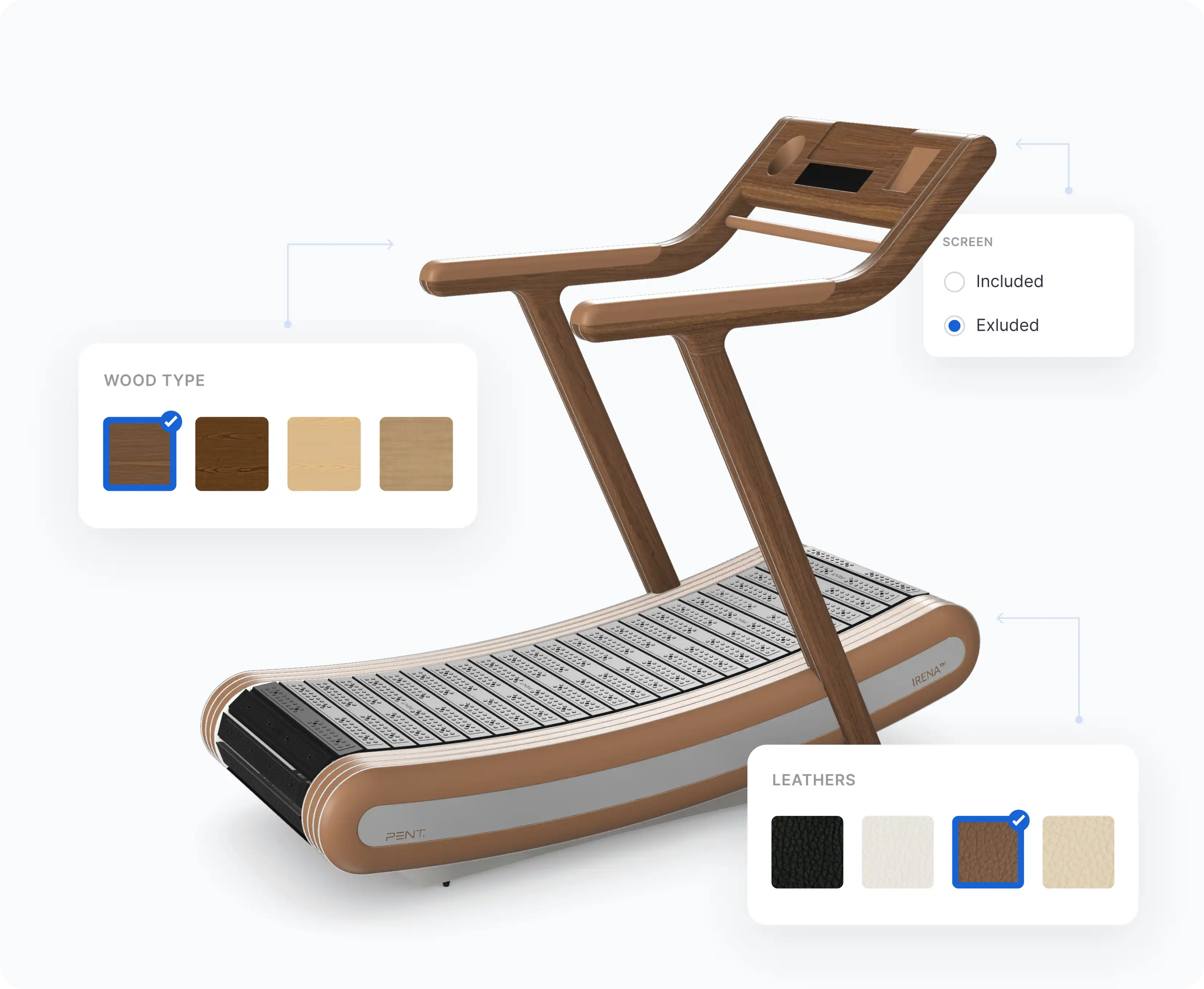
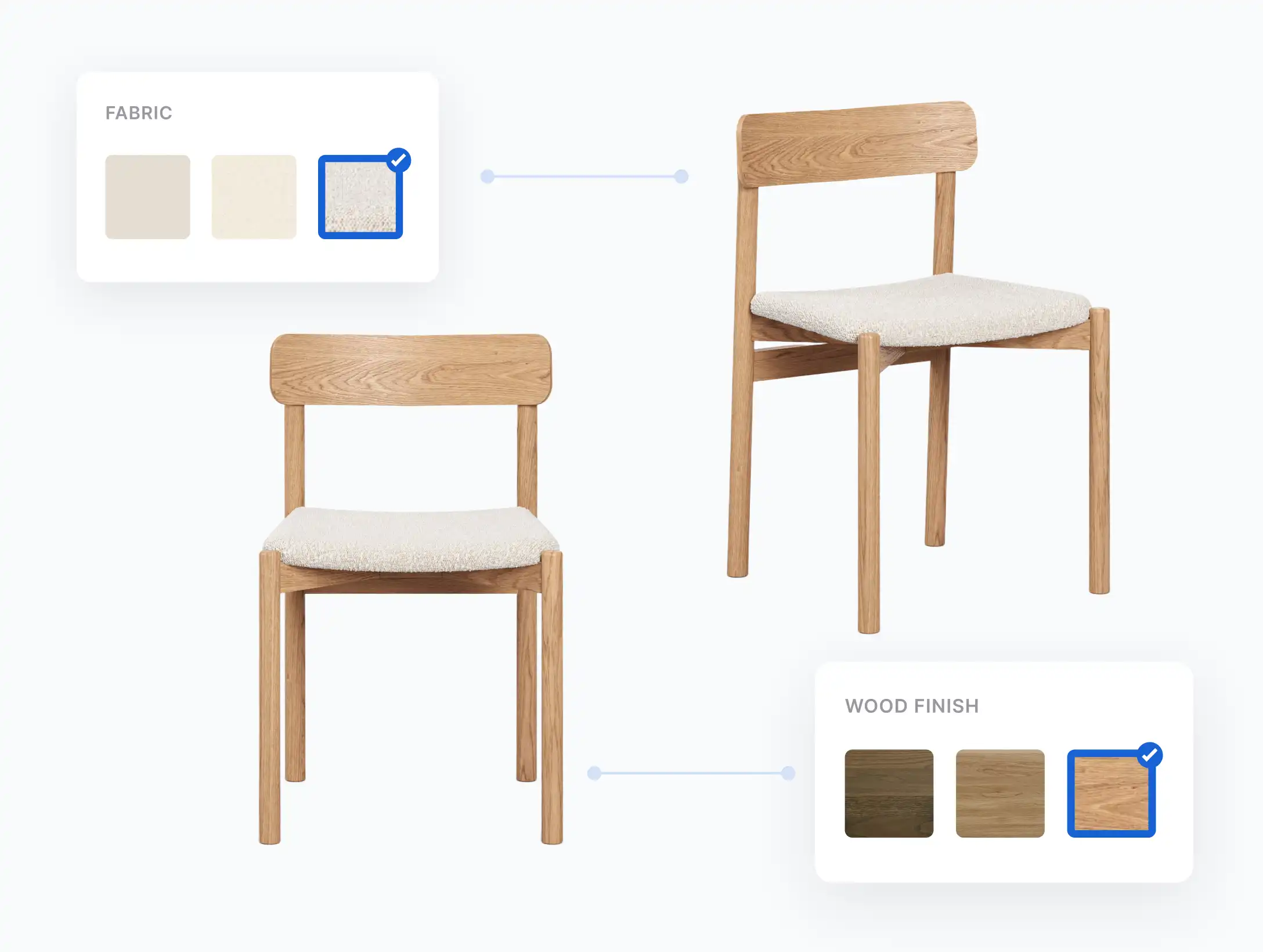
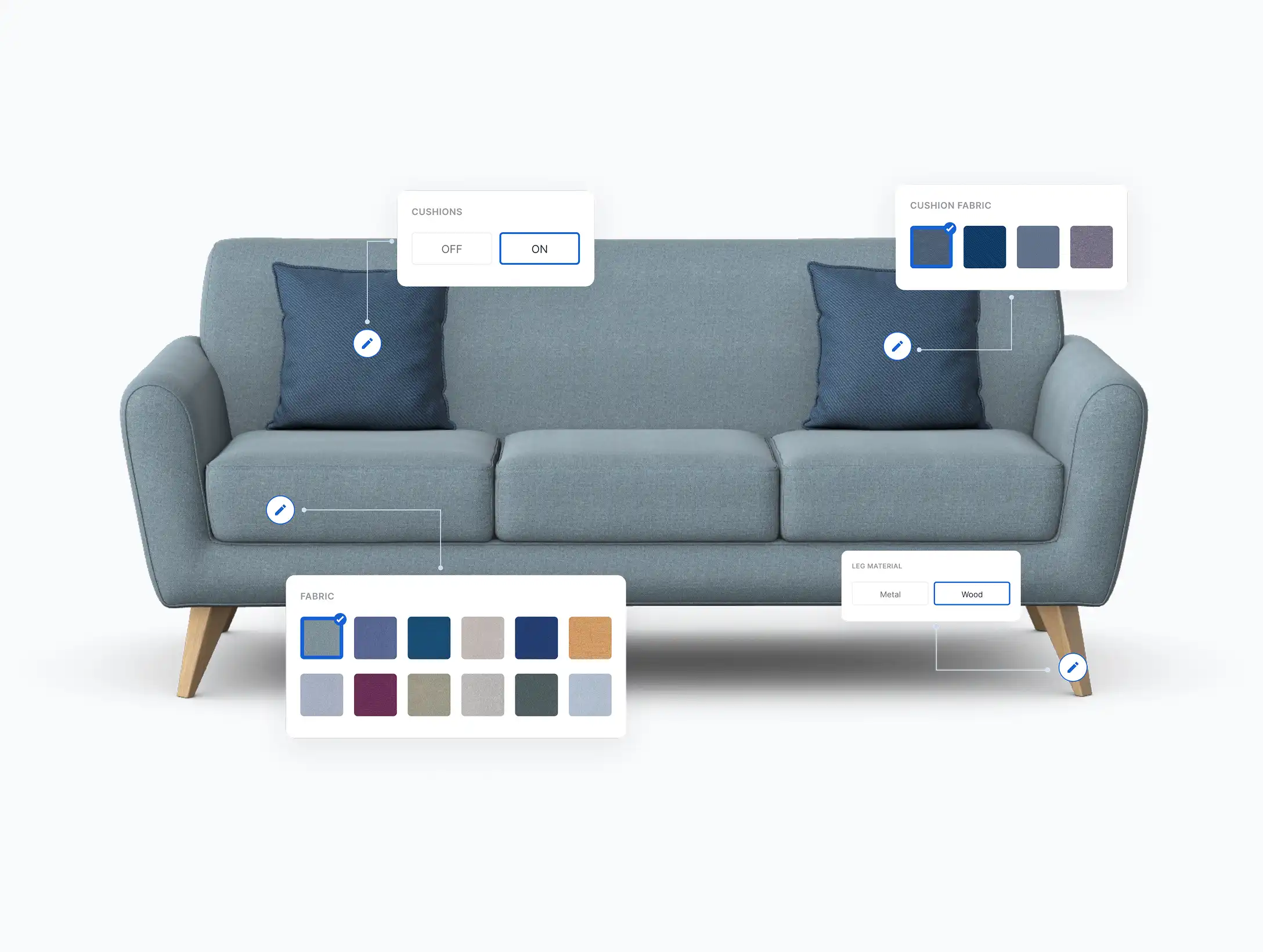
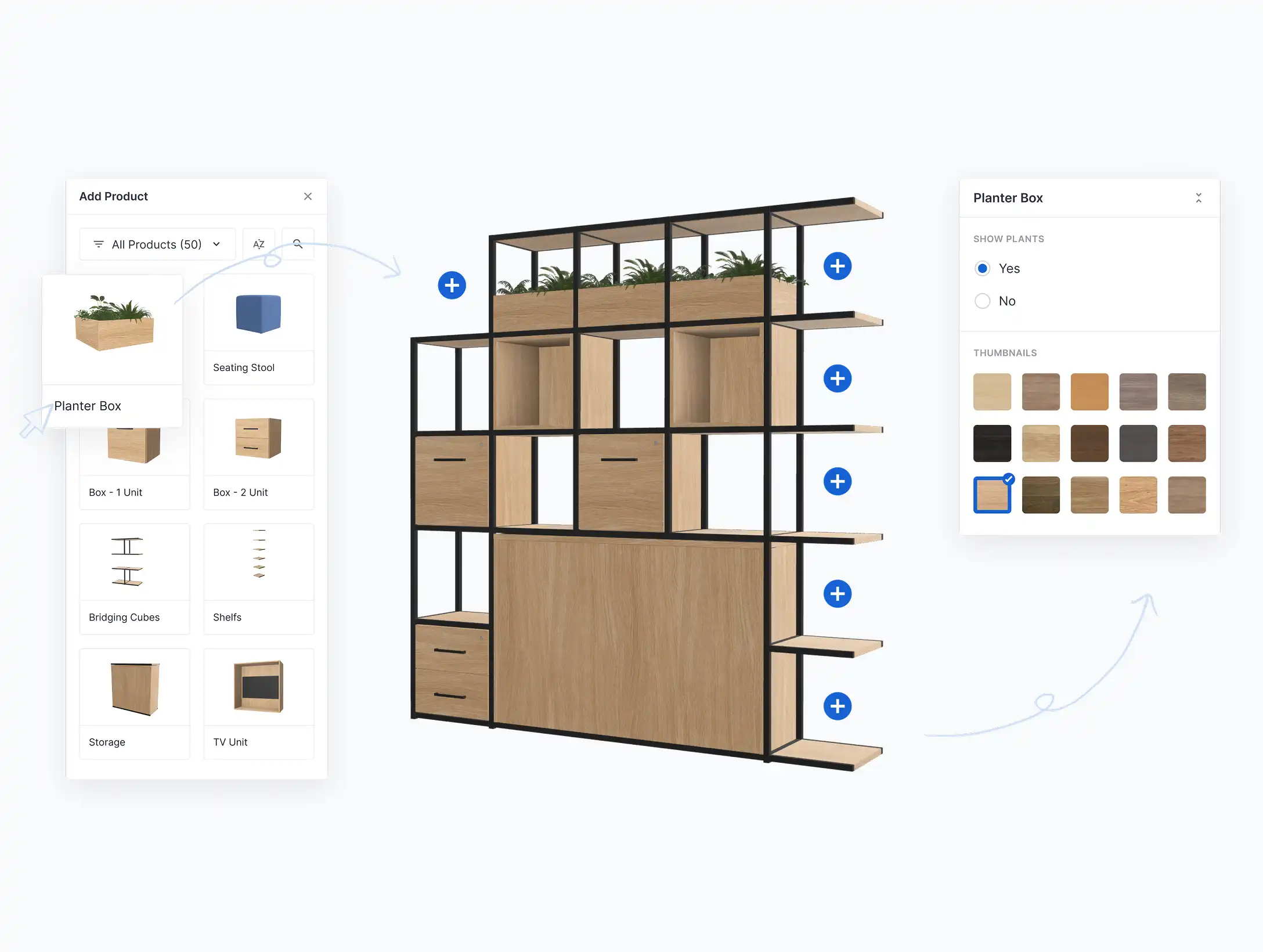
Materials, size, colour, modules, chosen in your existing 3D, or Modular configurator. AR doesn’t replace that step; it picks up whatever the customer has just built.

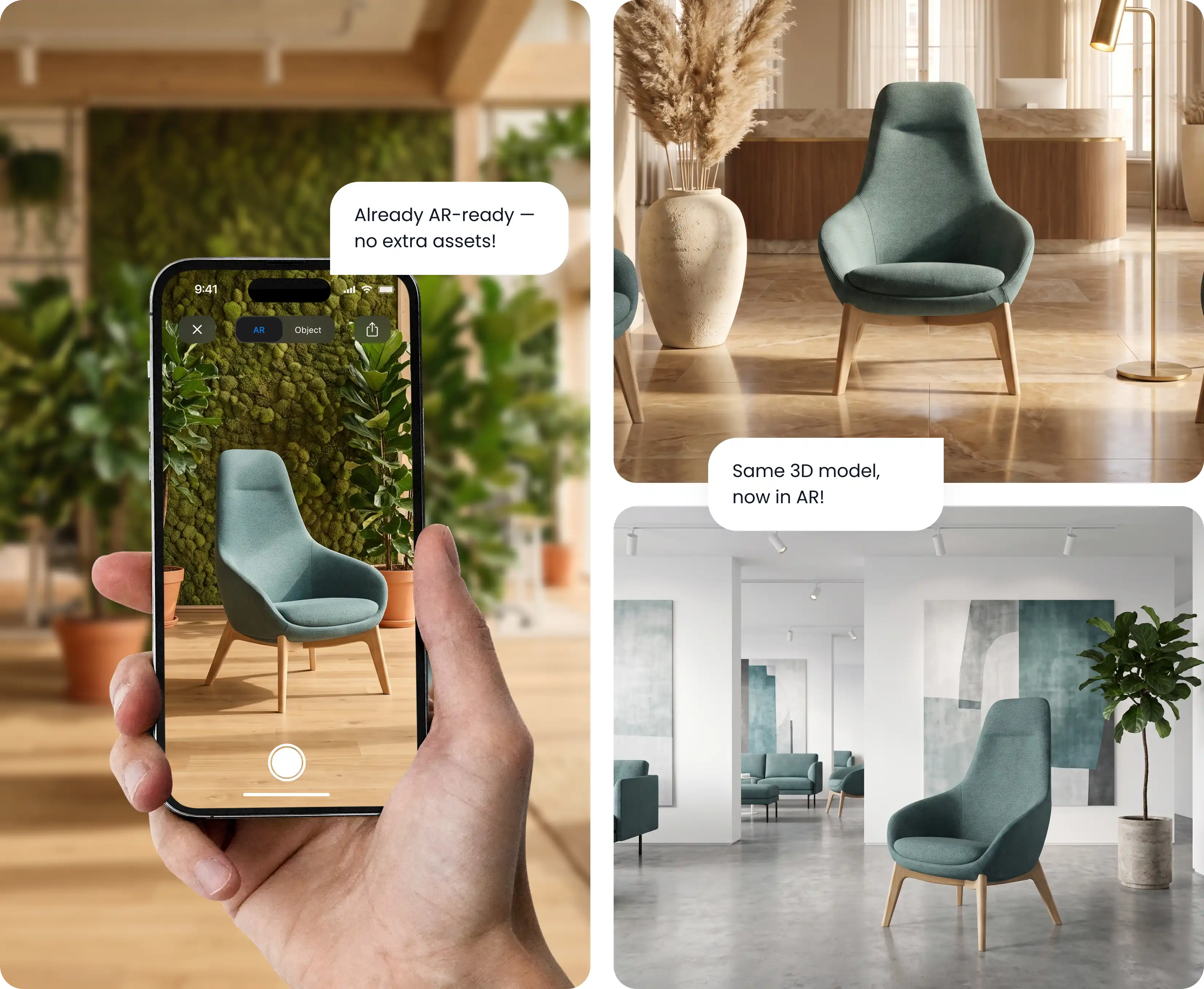
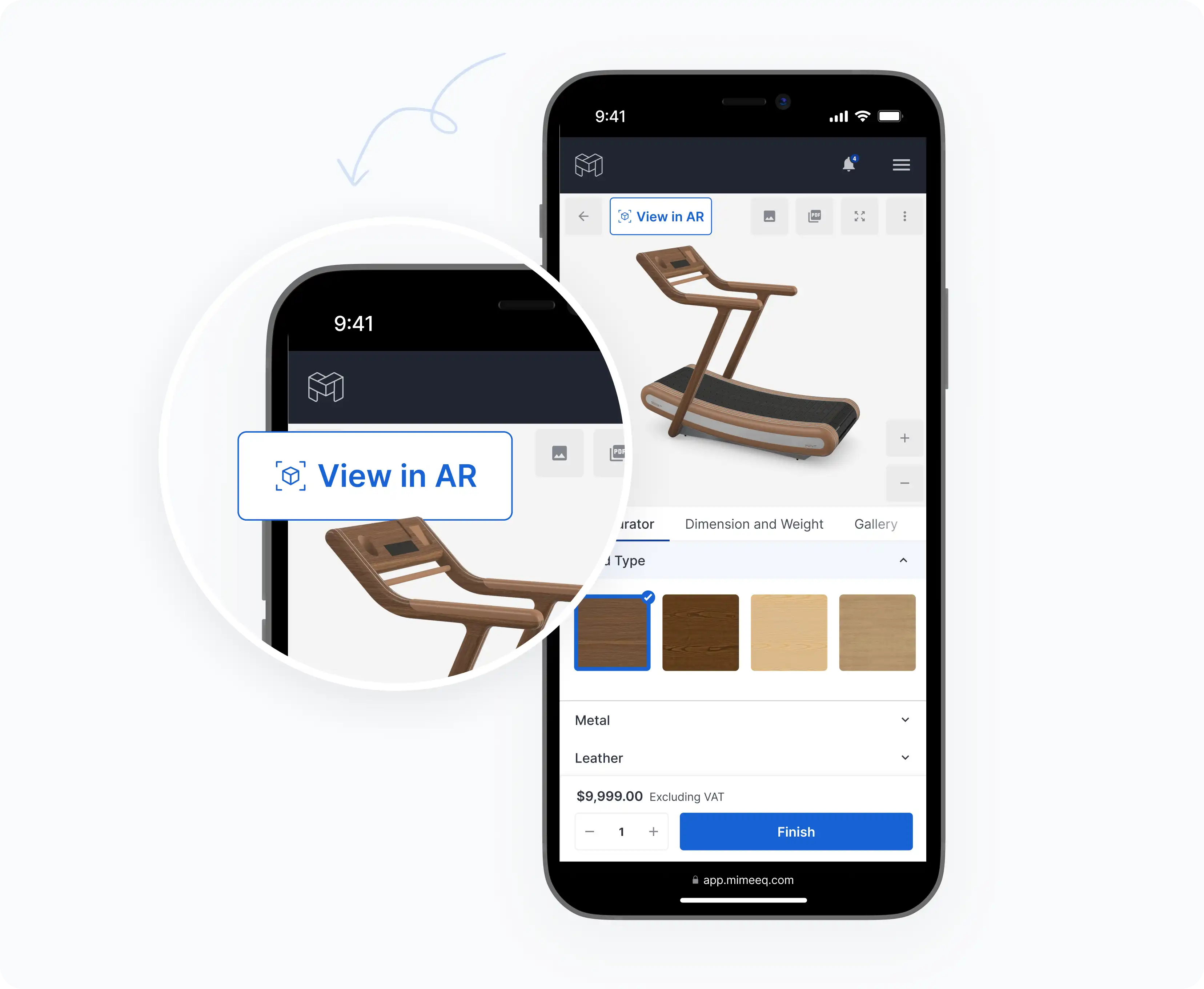
On a phone, the built-in AR viewer opens straight from the browser. On desktop, a QR code hands the same configuration over to the customer’s phone, so nobody has to start again on a second device.

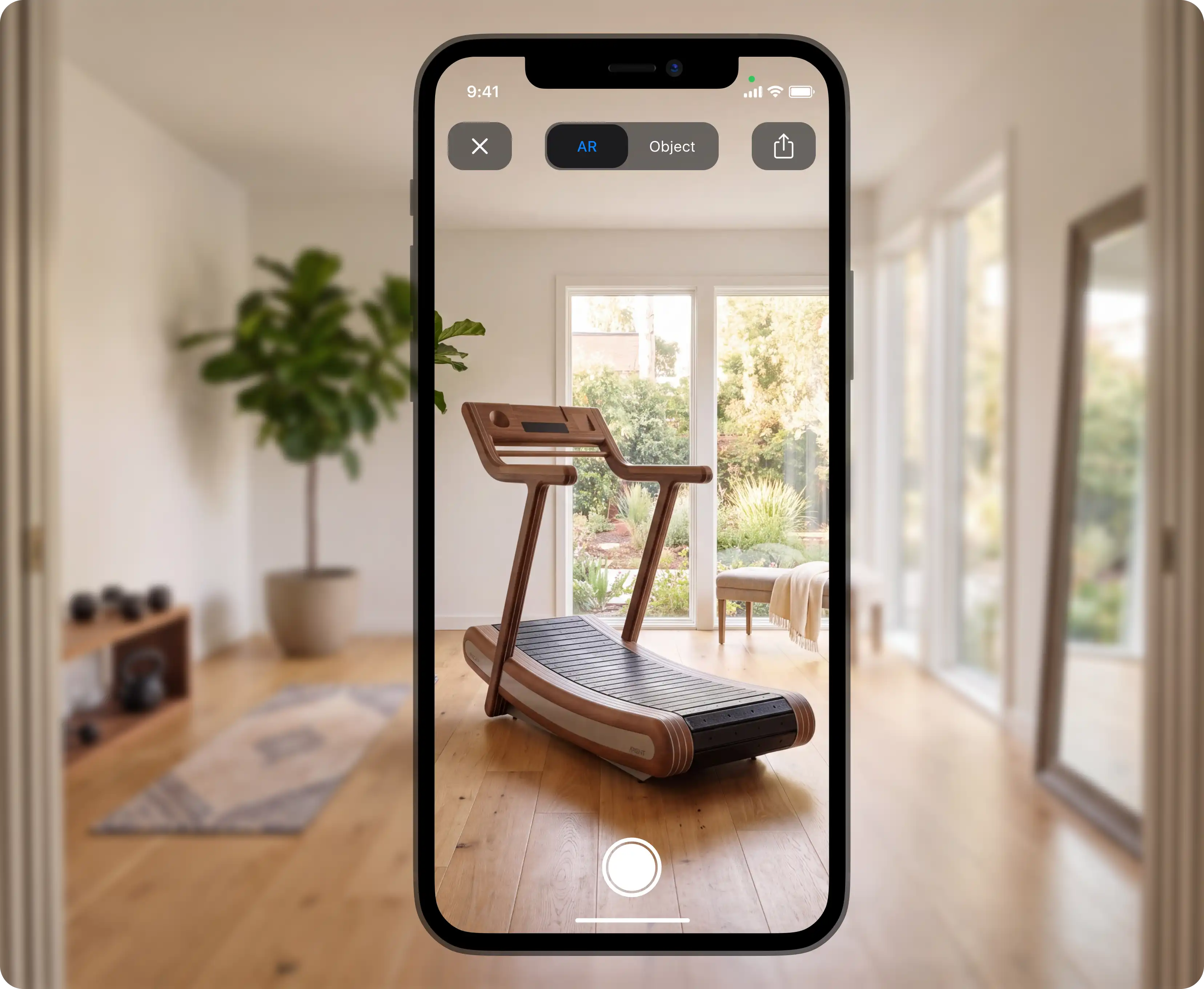
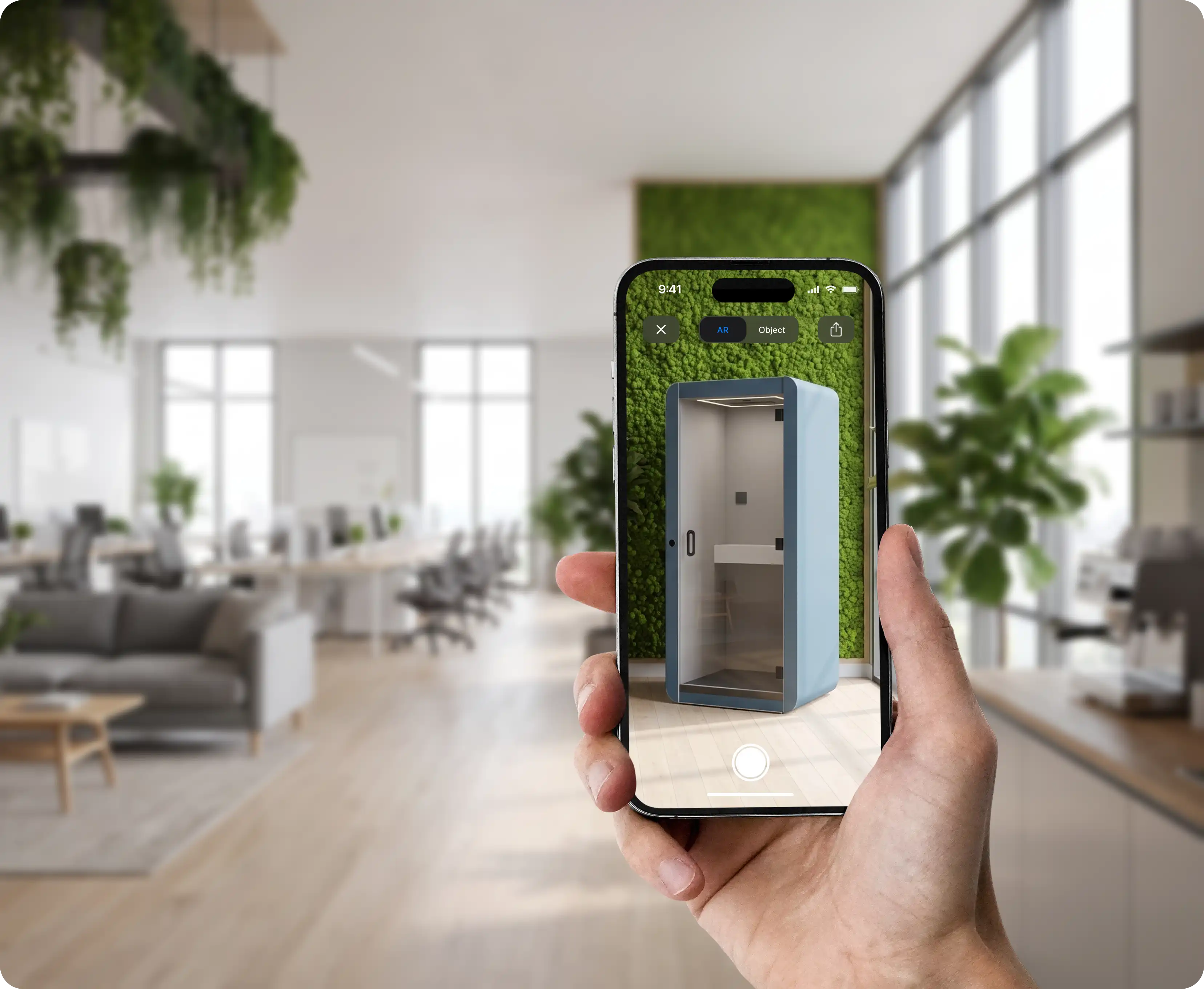
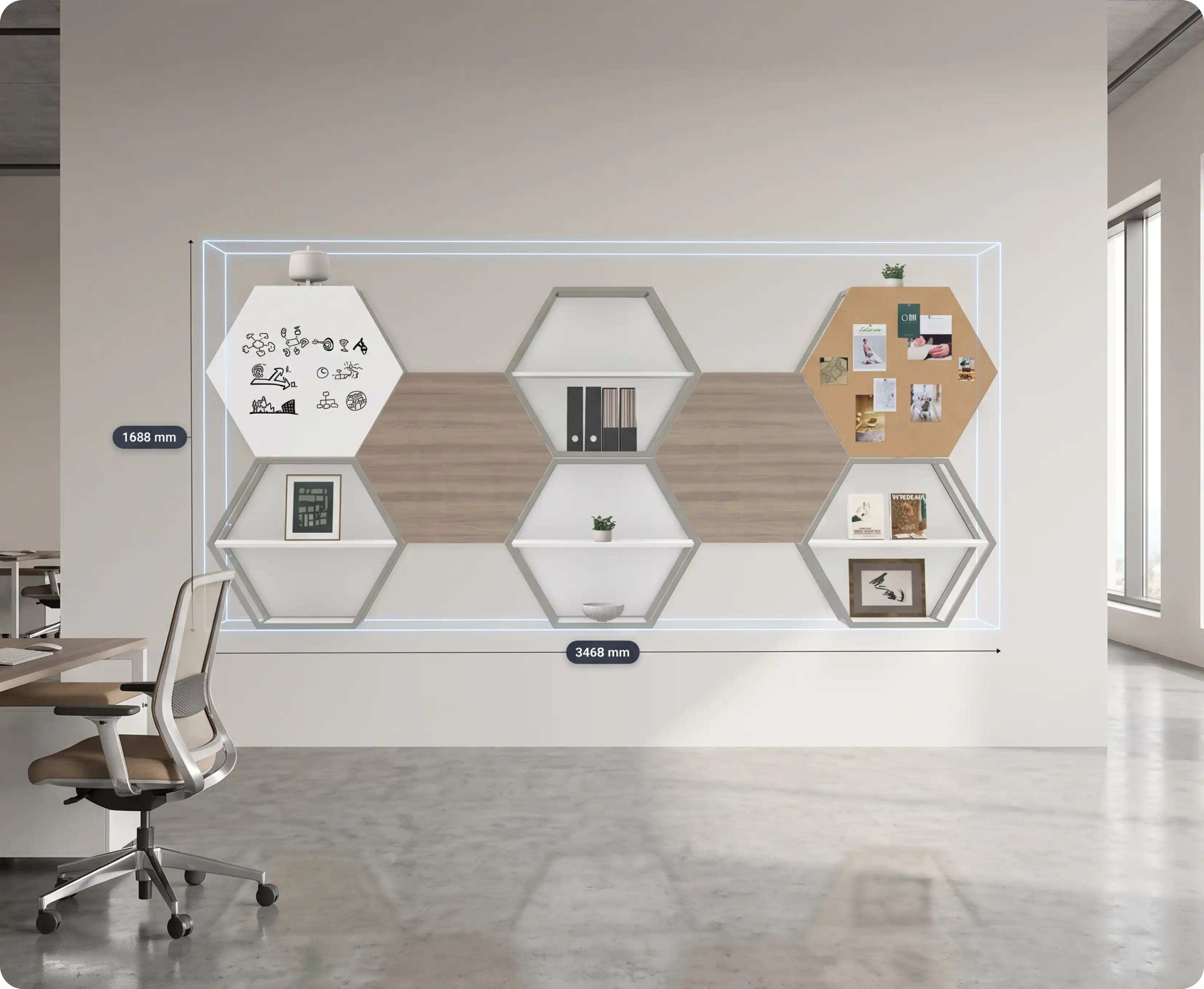
The exact configuration anchors to a real surface in the customer’s own room, at accurate real-world dimensions rather than a resized preview, and can be walked around and viewed from any angle.


AR configurator features
Everything needed to bring AR into your existing configurator, on any platform.
No app to install. AR launches directly on iOS and Android through the browser’s native AR viewer, the same mechanism used by Apple Quick Look and Android Scene Viewer, so there’s no separate technology for your team to support.
Desktop shoppers scan a QR code to instantly continue the AR view on their own phone, with the exact configuration already carried over. No re-entering options, no starting over on a second device.
Products place at accurate real-world dimensions, not a resized preview, using the same spatial-anchoring technology built into native AR viewers, applied to whatever configuration the customer just built.
AR shows the exact configuration a customer built, materials, colours, and modules included, never a generic stand-in model from the catalogue.
Buttons, prompts, and on-screen text match your brand, fully customisable without touching code. Every string lives in a single localisation file, so adding a language or updating copy doesn’t require a developer.
Drop AR into Shopify, WooCommerce, or a custom storefront, alongside your existing 2D/3D configurator. It adds to the sales flow you already have instead of running alongside it as a separate tool.
Talk to us for 30 minutes about what AR could do for your product pages, or just send us an email.
AR for ecommerce and B2B
The same AR layer serves online shoppers and B2B buyers differently, at no extra production cost.
For direct-to-consumer ecommerce, AR closes the biggest gap in online furniture and other big-ticket shopping: not knowing how something will actually look and fit in the room it’s going into.

For B2B buyers and dealers, AR lets a buyer or their client confirm a configuration against the physical space it’s going into, an office layout, a showroom floor, a retail fixture, before a purchase order is raised.

AR reuses the same 3D models that already power your configurator, so there’s no separate photography, rendering, or asset pipeline to fund. If a configuration exists in 3D today, it’s already AR-ready.


Shoppers who can place a product in their own space commit with more certainty, and send less of it back.
of shoppers felt more confident about a purchase after viewing the product in AR.
Source: Snap & Publicis, 2025
more engagement on product listings that include 3D imagery compared to standard 2D.
Source: Google Merchants
decrease in returns reported by firms that let shoppers customise their products.
Source: Harvard Business Review, 2022
shoppers who viewed a product in AR were more likely to complete a purchase.
Source: Shopify, 2026
Our dedicated team will work with you every step of the way to ensure you’re meeting your goals.
We’ll meet with your team to discuss whether AR is a fit for your products
Your existing configurator models are reused for AR, no separate asset pipeline needed.
Add the AR button to your storefront, on Shopify, WooCommerce, or custom. We’ll guide you through it, or set it up for you.
What is an AR product configurator?
An AR product configurator lets customers view the exact product they’ve built, in their own physical space, using augmented reality, rather than a flat image or a static 3D render. The product appears anchored to a real surface in the customer’s own room, sized to true dimensions, and viewable from any angle, all without a separate app or account.
Do customers need to download an app to use AR?
No. Mimeeq’s AR is web-native: it runs through the browser and launches the phone’s built-in AR viewer directly, the same way any web page can trigger Apple Quick Look on iOS or Scene Viewer on Android. On mobile, tapping the AR button opens the native viewer immediately. On desktop, a QR code hands the same configured product to the customer’s phone. There’s no install, no account creation, and no separate download at any point.
Which devices and platforms support Mimeeq's AR?
Both major mobile platforms are supported natively, and desktop shoppers are covered through a handoff flow. On iOS, the native AR viewer launches through Safari. On Android, it launches through Chrome. On desktop, a QR code continues the same configured session on the customer’s phone, so no shopper is left without an AR option regardless of the device they started on.
How is AR different from a 3D product configurator?
3D configuration is how a customer builds a product on screen: choosing materials, colours, and modules. AR is what happens after that. It takes the exact configuration they built and places it, at true scale, in their own physical space. The two work together: AR always shows what was actually configured, never a generic stand-in model.
Can I add AR to my existing Shopify or WooCommerce store?
Yes. AR works alongside the existing 3D and Modular configurator on both platforms, and on a custom storefront through the Mimeeq API. On Shopify, AR ships as part of the existing configurator app with no extra setup. On WooCommerce, it’s available through the same plugin blocks and widgets as the rest of the configurator.
Does adding AR slow down my product pages or require special hardware from customers?
No, on both counts. The AR viewer only loads when a customer taps it, so it adds no weight to the initial page load or Core Web Vitals. On the customer’s end, AR runs through the native capabilities already built into recent iOS and Android devices; there’s no separate hardware, sensor, or app requirement beyond a modern phone.
Talk to us for 30 minutes about what AR could do for your product pages, or just send us an email.